
How to Reduce Screen Glare in a Sunlit Home Office
A sunlit home office is a pleasure for about an hour a day. Then the light shifts, a bright band lands across your spreadsheet, and you find yourself leaning sideways to read your own email.
Glare is rarely a fault in the monitor. It is a mismatch between the brightness of the room and the brightness of the screen, made worse by a reflective panel and a window in the wrong place. Fix the light first, then the screen, and the problem usually shrinks to something you stop noticing.
What Is Actually Causing the Glare
Most home-office glare comes from one of three things, and each needs a different answer.
Direct glare is sunlight falling on the screen itself. You will know it by the washed-out patch that tracks the sun across your display — between roughly 8am and 10am in an east-facing room, or from mid-afternoon in a west-facing one. Low winter sun is the worst offender, because it reaches further into the room at eye level.
Veiling reflections are images of bright things bouncing off the screen surface into your eyes: a window, a white wall, a lamp. Glossy panels show this as a grey haze or a ghost of the window. Matte panels scatter it into a dull film that still steals contrast.
Contrast glare is about your eyes rather than the screen. Sit facing a bright window and your pupils stay constricted for the window, so the monitor looks dim and grey no matter how far you push the brightness. Turning the screen up to compensate simply adds more light to the mismatch.
One thing worth ruling out early: a smeary screen scatters light badly. A pass with a microfibre cloth does more for legibility than most people expect.
Put the Window to Your Side, Not Your Face
Before buying anything, try moving the desk. This is free, takes twenty minutes with a tape measure, and settles more glare than any accessory.
Window to the side
The best arrangement: your line of sight runs parallel to the window wall, so the glass sits roughly 90 degrees from your gaze. Daylight falls across the desk without landing on the screen, and the window cannot reflect into your eyes. Sit a metre or so back from the glass if the room allows — the further away you are, the weaker the reflection.
Facing the window
Workable, but you will be managing contrast all day. Angle the monitor slightly away from the glass and keep the top of the screen a little below eye level, so the panel tilts down and reflects the floor rather than the window.
Back to the window
Usually the worst option. Your screen becomes a mirror: you see the window, your own silhouette and the bright wall behind your shoulder. If it is the only arrangement your room permits, a matte screen or an anti-glare film plus a well-angled blind is the minimum.
While you are rearranging, watch for overhead downlights and desk lamps reflected in the panel. Move the lamp to the side and shade it so the bulb sits outside your eyeline.
Tame the Light at the Window
Window treatments do most of the work here, and the trick is to filter rather than black out. A fully dark room on a sunny day creates its own contrast problem: the screen becomes the brightest thing in view, which is tiring in a different way.
- Venetian blinds: tilt the slats upwards, not down. Light then bounces off them towards the ceiling, where it spreads evenly, instead of aiming straight at your desk.
- Sheer voiles or light-filtering roller blinds: ideal for daytime screen work, cutting glare without turning the room into a cave. Keep blackout fabric for presentations and video calls where you want controlled lighting.
- Shutters, awnings and exterior shading: blocking sun before it enters is the most effective fix of all, and it keeps the room cooler too. A deep overhang, a shade sail or an awning on a south-facing wall makes a noticeable difference.
- Window film: frosted or light-diffusing film suits a small side window you never look through. Skip it on anything you need a view from.
Screen Settings and Accessories That Help
Once the room is under control, adjust the screen itself.
Set brightness so the white of a blank document matches the brightness of a sheet of paper on your desk in the same light. Too bright in a dim room is a common cause of evening headaches, and it makes any remaining reflection worse.
If you have a glossy panel, an aftermarket matte anti-glare film is a cheap experiment. Fit it carefully — dust and trapped air scatter light and undo the benefit — and expect a slight softening of text, which most people stop noticing within a day.
A monitor hood, or simply a card shield above the screen, works well against direct glare from a high window or skylight. It looks a little odd on a video call, so plenty of people use it only during the brightest hours.
Dark mode is not a cure. It reduces the light coming off the screen and can help in a dim room, but it does nothing about sunlight hitting the panel or reflections of a bright wall.
A Sensible Order of Work
Whenever you have half an hour, work through this sequence. Each step makes the next one easier to judge.
- Clean the screen properly.
- Note where the sun actually lands at 9am, midday and 4pm. Most people guess wrong; a glance and a phone reminder is enough.
- Move the desk so the window is to your side, if the room allows.
- Angle the blinds to push light up to the ceiling, and add a sheer layer for the brightest hours.
- Match screen brightness to the paper-white test.
- Add a matte film or hood only if glare remains.
Reorganising a desk is not always possible in a small room or a rented flat, and that is fine — filtering the window and softening the screen will get you most of the way there.
Finally, a note on comfort. Occasional squinting at the end of a bright afternoon is normal. Persistent headaches, aching eyes or blurry vision that lingers after you close the laptop is not something to push through; book an eye test with an optician, who can check whether your prescription or your screen distance is part of the problem.
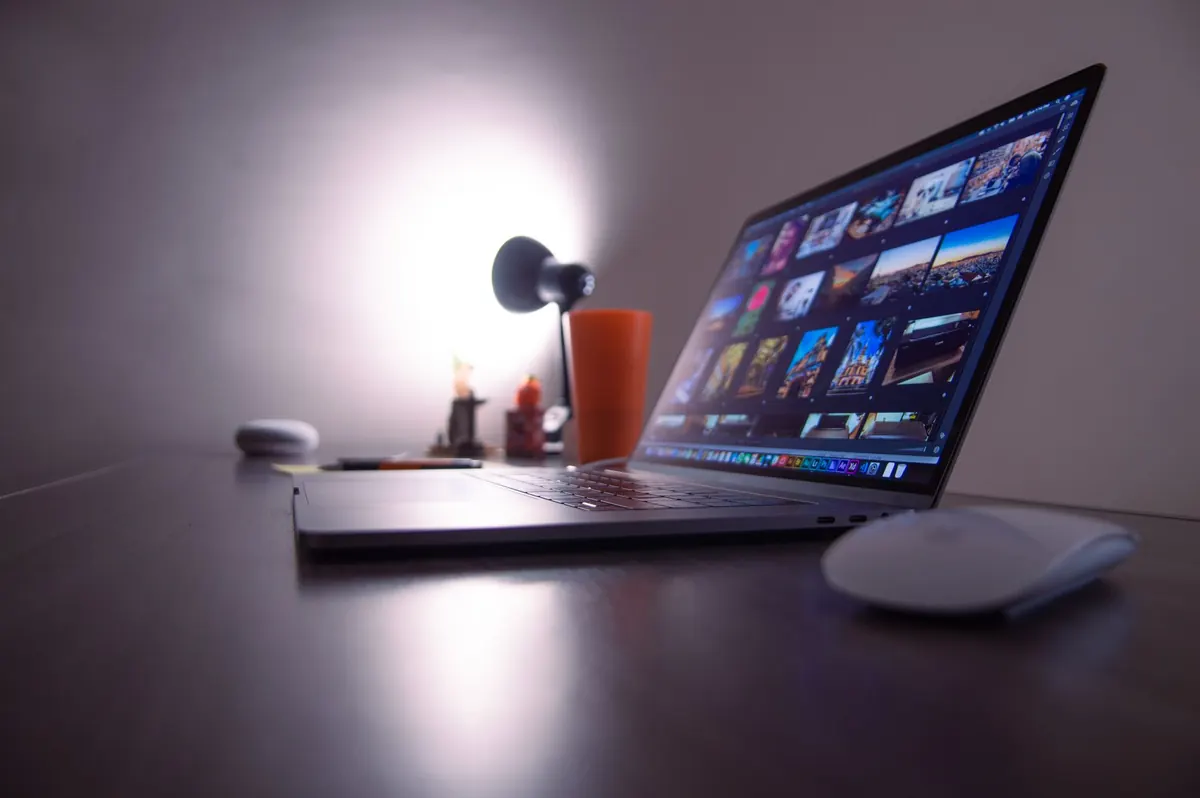
Photo: Caio / Pexels